20 SaaS emails, built the way inboxes need them.
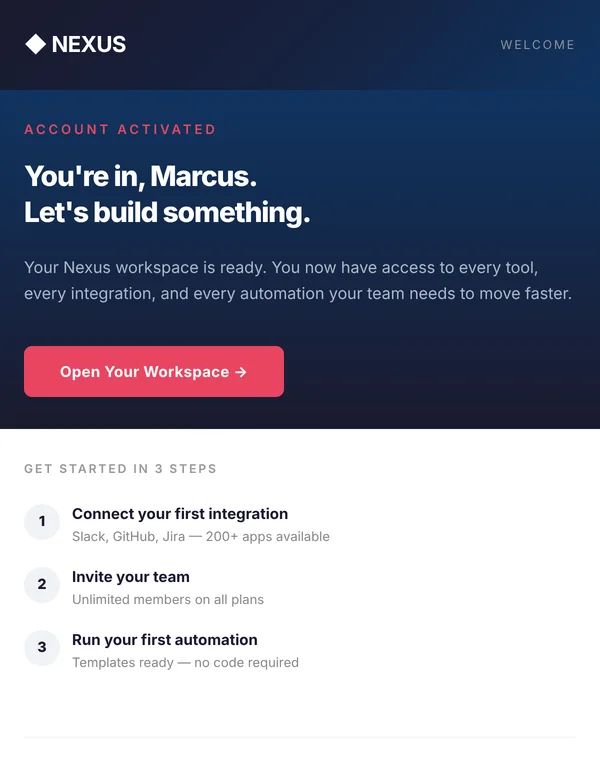
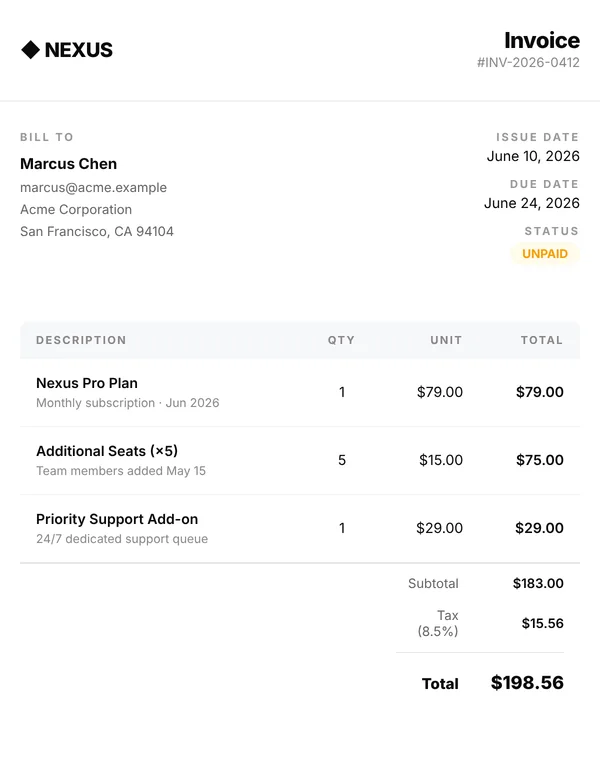
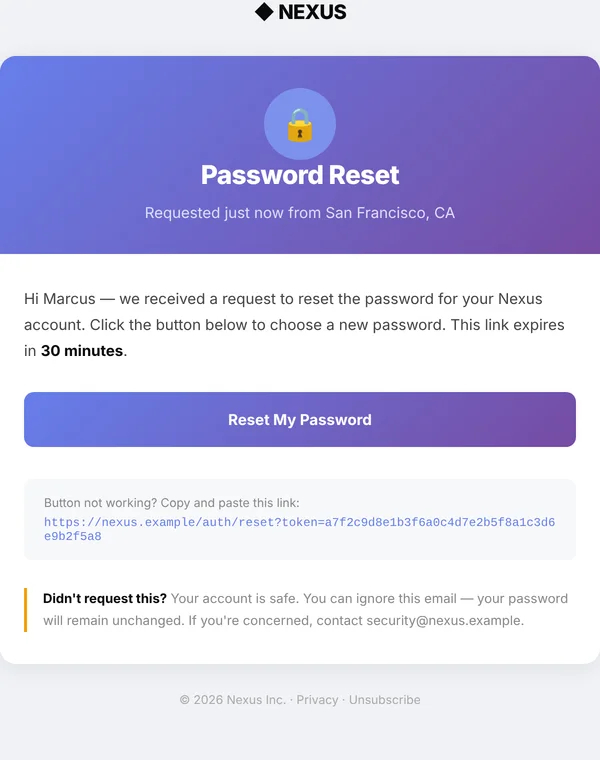
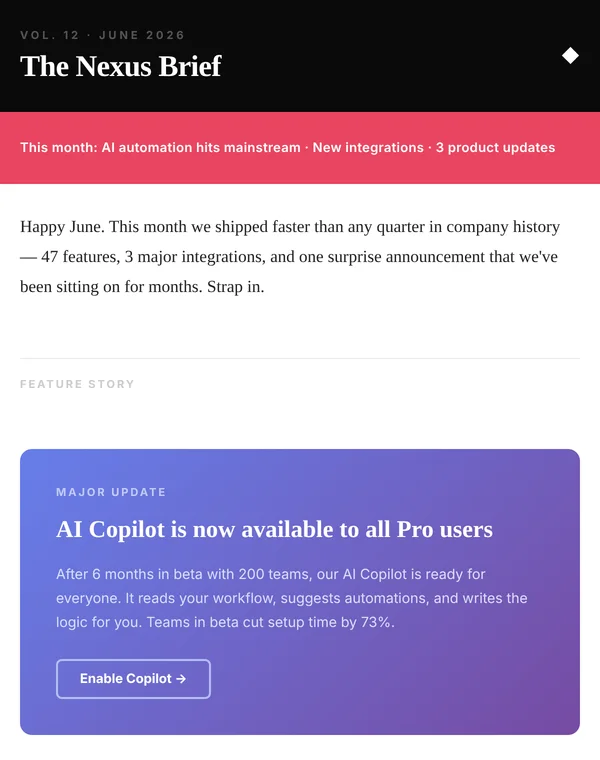
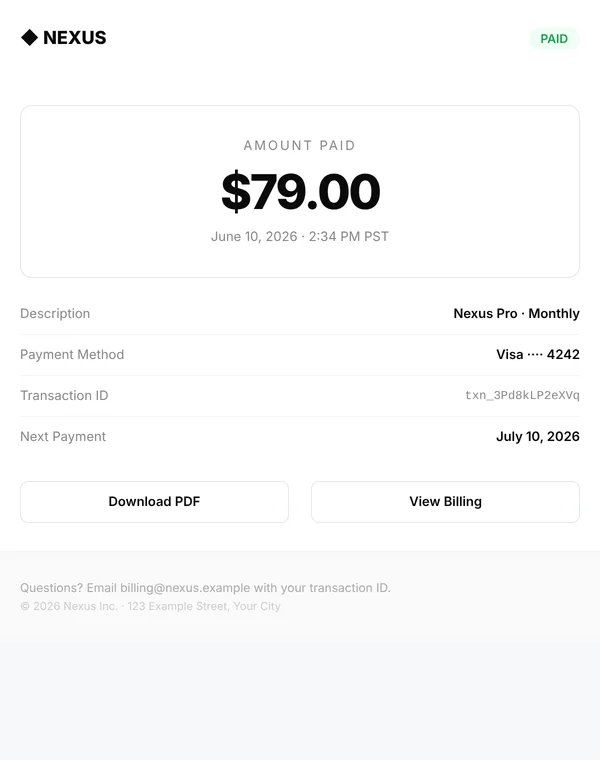
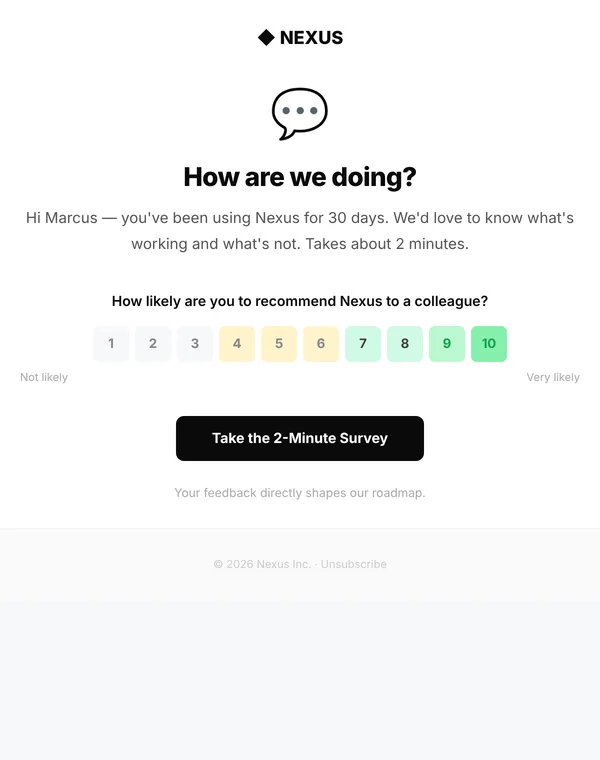
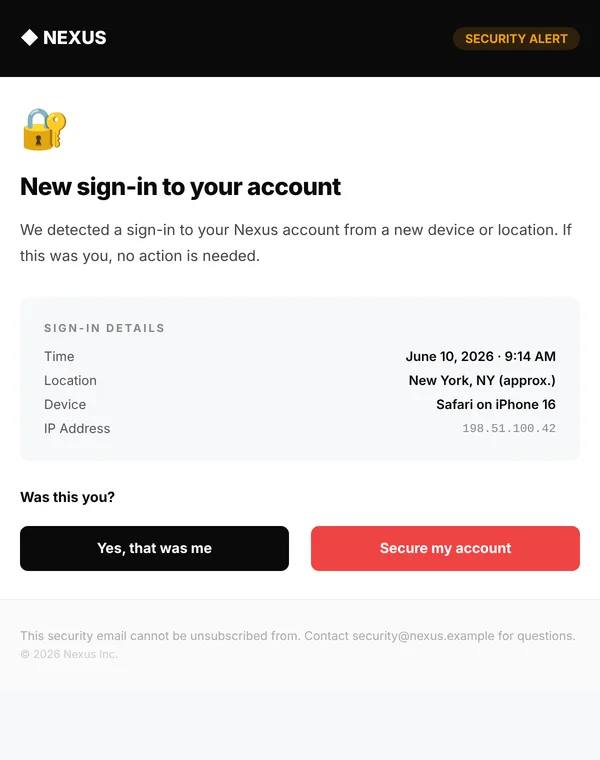
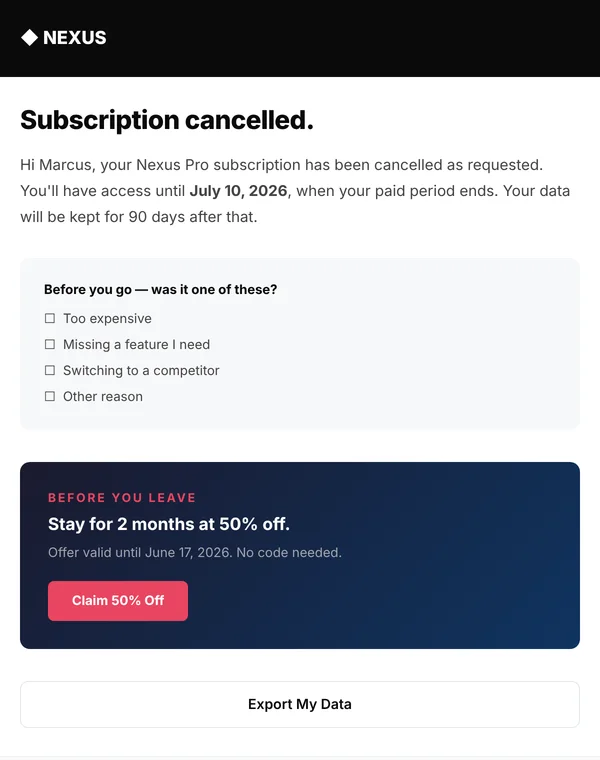
Welcome, invoice, password reset, receipt, weekly digest and fifteen more. Table layouts, inline styles, Outlook fallbacks, preview text, and a plain-text twin of every one.
- No images to host
- Works with any sending tool
- Phone layout included
The emails every product ends up sending.
Open any one in the viewer to switch between desktop and phone width and read the plain-text version.
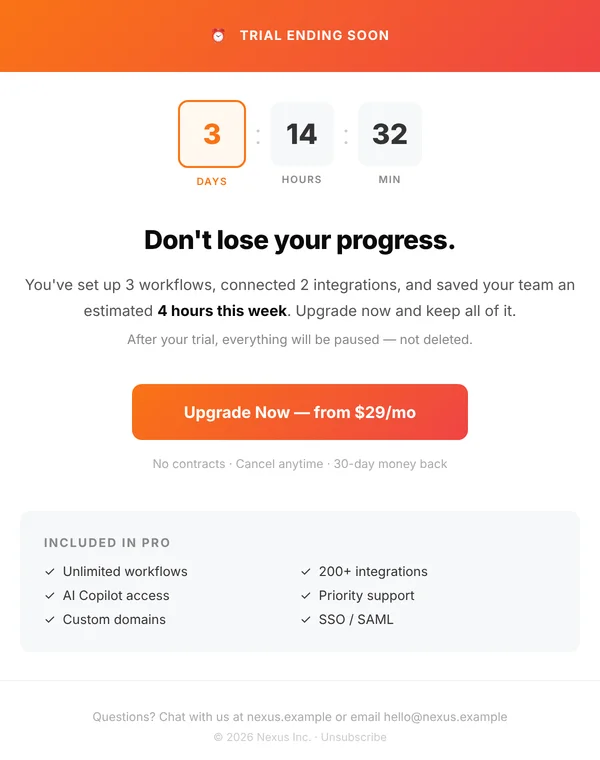
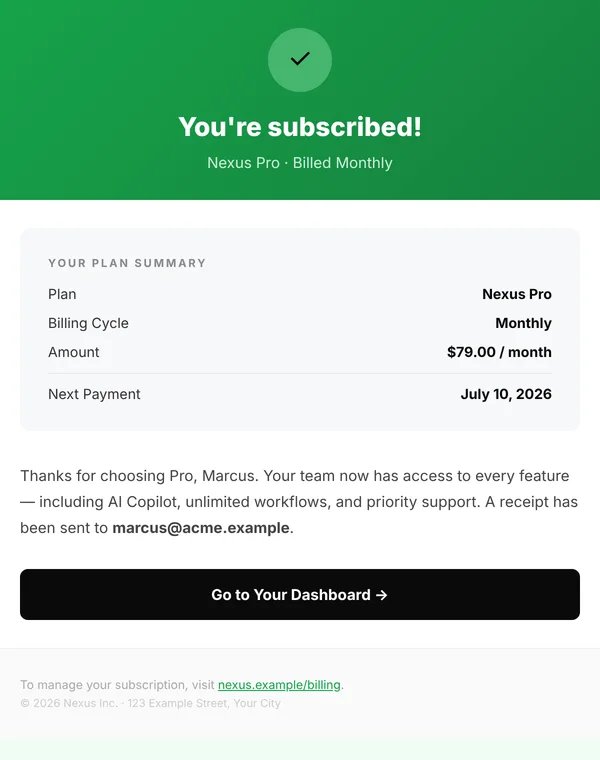
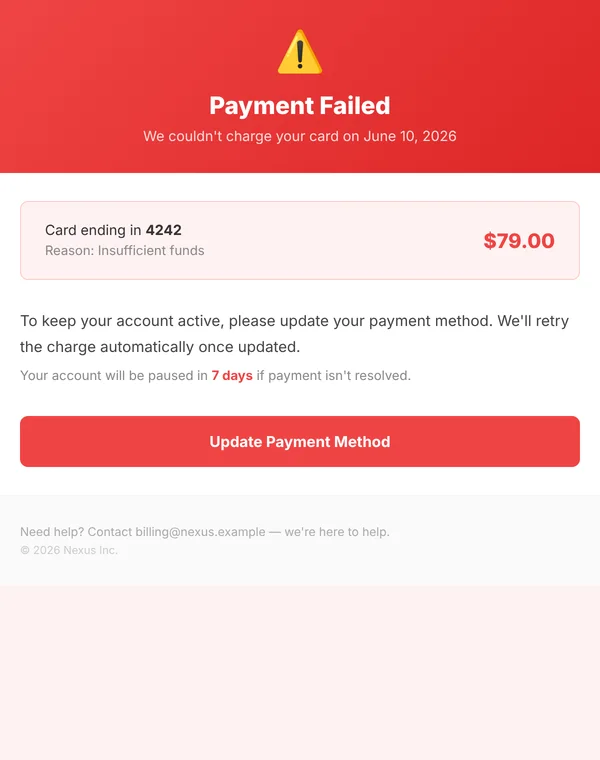

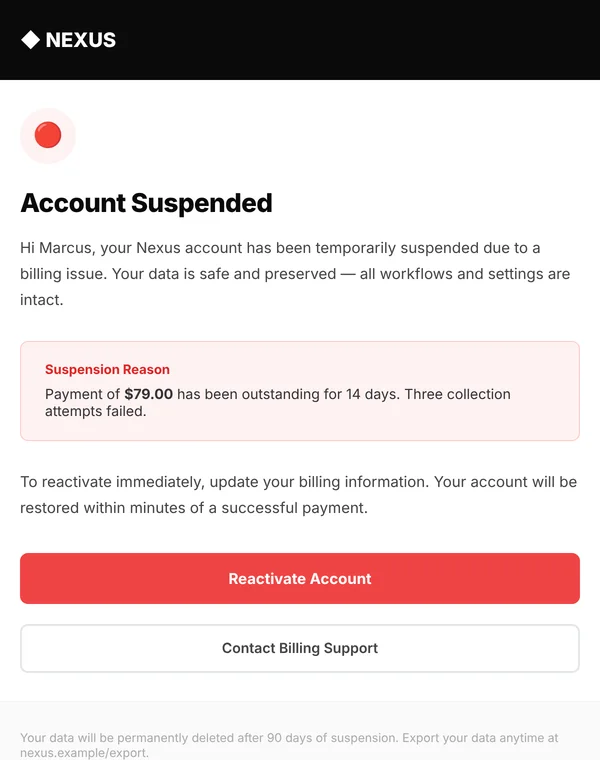

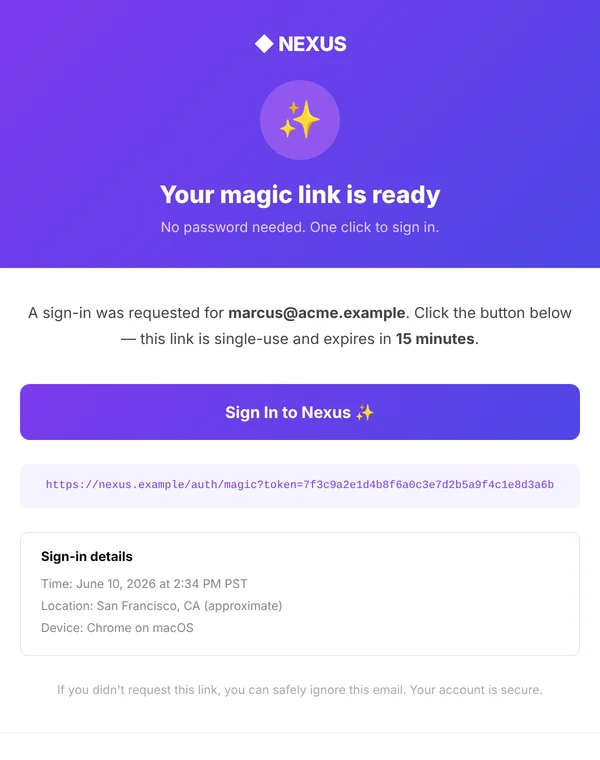
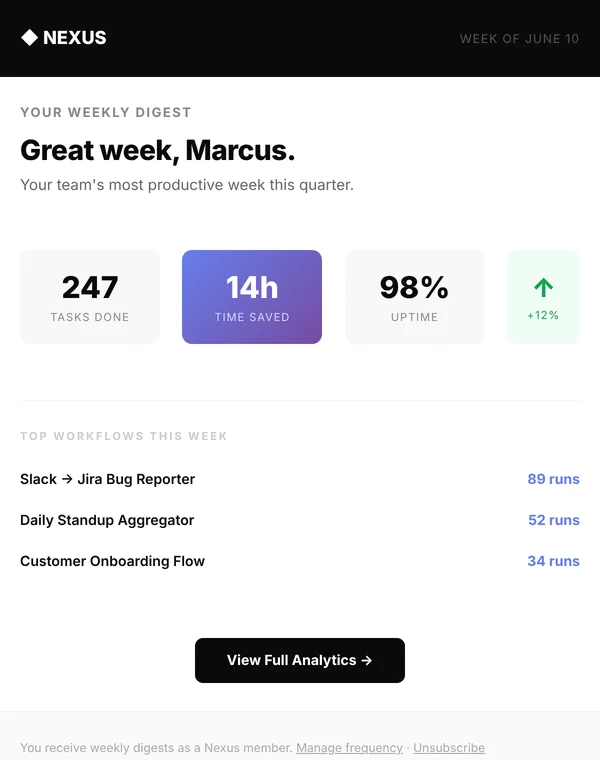
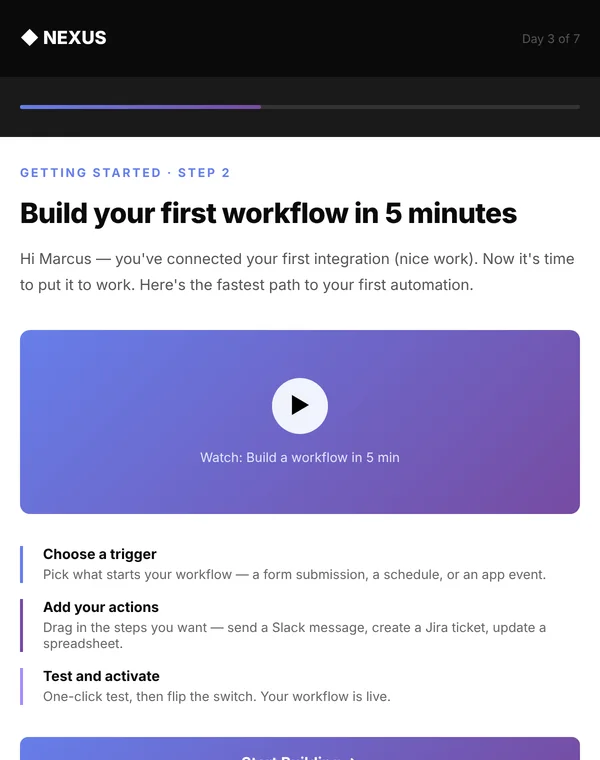
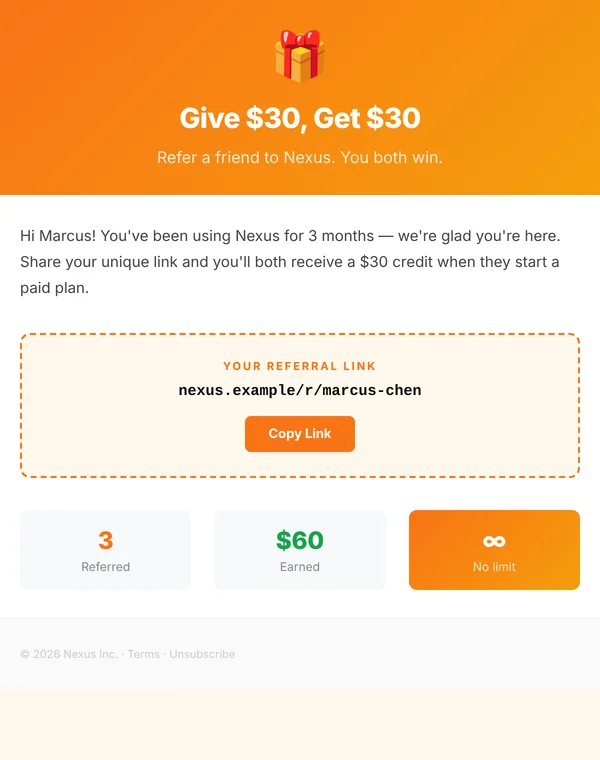
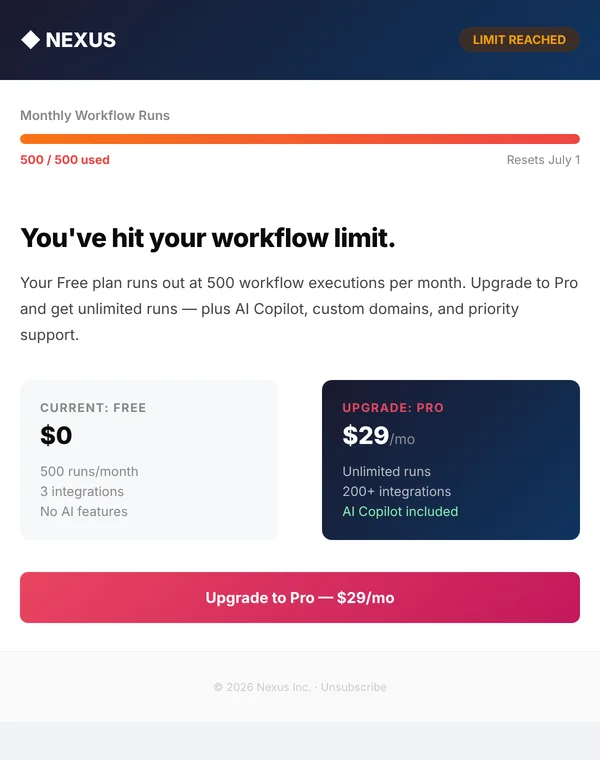

From file to inbox in three steps.
The styles are already inline, so there is no build step and nothing to compile.
Make it yours
Find and replace
Nexuswith your product name, swap the accent colour, and edit the words.Add your merge tags
Replace the sample name, amounts and links with the tags your sending tool uses, such as
{{first_name}}.Paste and test
Paste the HTML into SendGrid, Postmark, Mailchimp, Brevo, Resend or your own code. Send yourself a test before going live.
<!-- Outlook gets its padding from the cell -->
<td bgcolor="#E94560" align="center"
    style="background-color: #E94560;
           border-radius: 8px;
           mso-padding-alt: 16px 36px;">
  <a href="{{action_url}}"
     style="display: inline-block;
            padding: 16px 36px;
            color: #ffffff; …">
    Open your workspace
  </a>
</td>
What is done for you in every template.
Table layout, inline styles
The structure email clients expect. Nothing depends on flexbox, grid or external stylesheets.
Outlook fallbacks
A solid colour behind every gradient, bgcolor on cells, Outlook-only button padding, a 96 DPI fix and an Arial fallback.
No see-through colours
Every text and border colour is a plain hex value, because Outlook ignores rgba().
Preview text
Each email has its own hidden preview line, the text shown next to the subject in the inbox.
Phone layout
Checked at 320, 375 and 600 pixels wide. Tables tighten, padding shrinks, nothing scrolls sideways.
Plain-text twin
A matching .txt version of every template for the text part of your email.
No images to host
Logos and icons are text and emoji, so the email reads fine when images are blocked. Adding your logo image is one line.
Web-safe fonts
Helvetica and Arial stacks that look the same everywhere, with no web font to fail.
A viewer to check your edits
The included preview page shows any template at desktop or phone width, next to its text version.
A straight note about testing. These templates follow the established rules for Gmail, Apple Mail, Outlook and Yahoo, and were checked in a browser at desktop and phone widths. Email clients still differ in small ways, so send yourself a test from your own sending tool before you email customers.
Questions people ask first.
Which sending tools does this work with?
Any tool that accepts custom HTML: SendGrid, Postmark, Mailchimp, Brevo, Klaviyo, Customer.io, Amazon SES, Resend, or your own code. You add that tool's merge tags yourself. The documentation lists the common ones.
Are these React Email or MJML files?
No. They are finished HTML files, ready to paste. You do not need Node, a build step or a framework.
Do they support dark mode?
The templates are designed for a light background and tell the email client so. Some clients, such as Outlook on the web and Gmail on iOS, recolour emails anyway. Three templates are dark by design.
Can I change the colours and logo?
Yes. Colours are plain hex values you can find and replace, and the docs list the main ones for each template. The logo is text by default and can be swapped for an image.
Can I use these for clients?
Yes. One purchase covers unlimited projects for you and your clients. You may not resell or give away the templates themselves. The full terms are in LICENSE.txt.
What is in the download?
20 HTML templates, 20 plain-text versions, this gallery, the preview page, an HTML documentation page, a README and the license.
Stop rebuilding the same emails.
20 HTML templates, 20 plain-text versions, the viewer and the guide in one download. Pay once, use on every product.